Proof of Delivery Software in Australia: What to Look For
Drafted with AI assistance, edited and fact-checked by Sean Flannery. See our editorial policy.
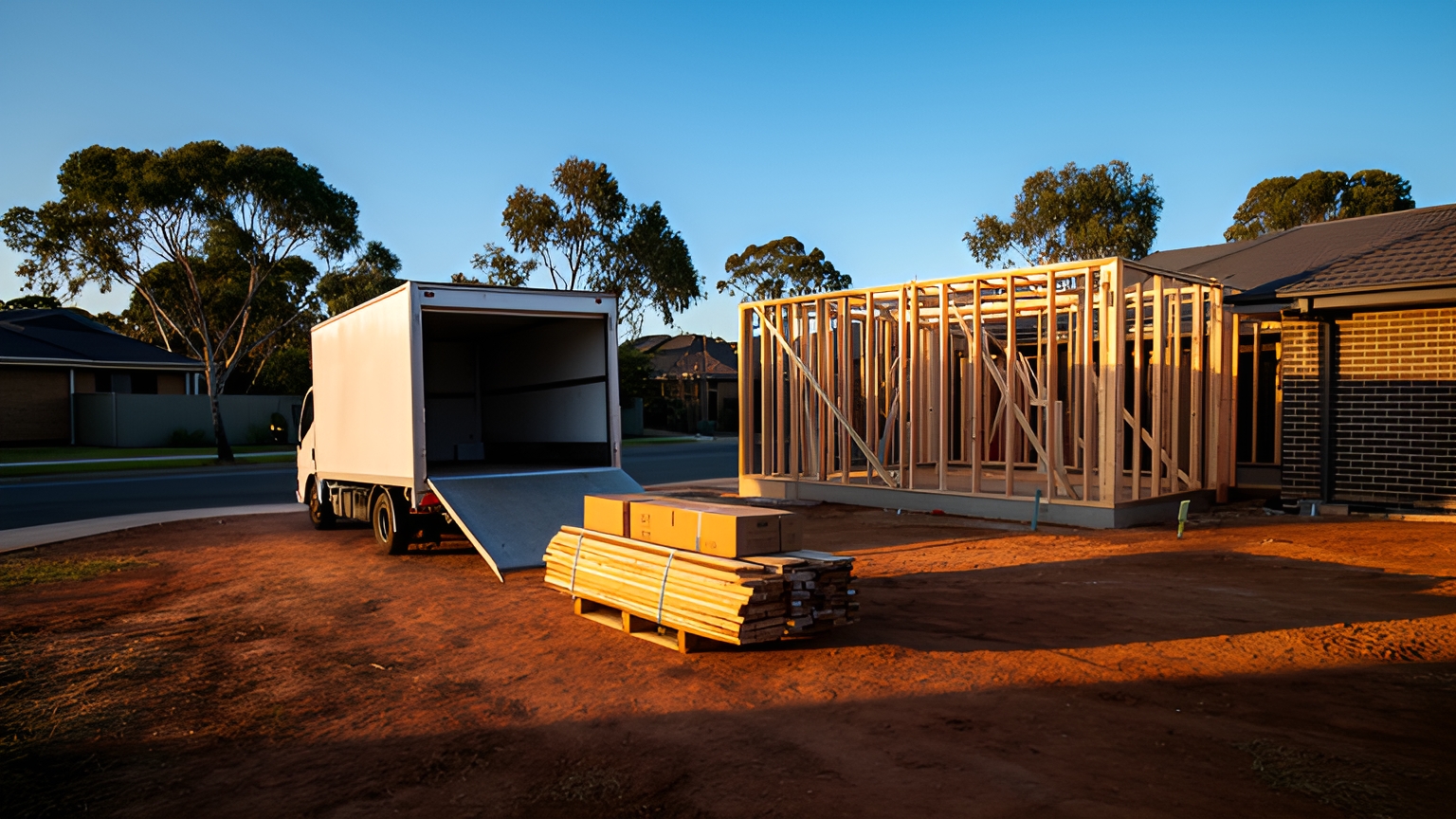
Proof of delivery software replaces paper dockets with a digital record of each drop: a photo, signature, timestamp, GPS location and driver notes, synced to dispatch and shared with the customer. For Australian fleets, the features that matter most are offline capture for regional runs, clear exception codes and records that are quick to search.
A single day on one van can include a signed handover at a trade counter, a parcel left at a front door on authority to leave, and an afternoon stop on a regional road with no mobile signal. If one of those stops needs a second visit in peak week, it also needs a reason code and a new time.
Each stop calls for slightly different evidence. And each record should be easy for the office to find later.
What proof of delivery software records at a single drop, and which field answers which query
A complete record at one stop is a small bundle of fields. Each field answers a different question that comes back to the office later.
If the term is new to your team, this plain-English guide to what proof of delivery means covers the basics. The most practical way to judge proof of delivery software is to map each field to the query it answers.
| Field | What it captures | The query it answers |
|---|---|---|
| Photo | The goods at the drop point, with the address visible | Where it was left, and in what condition |
| Signature and printed name | The person who accepted the goods | Who received it at a business or site |
| Timestamp | The moment the record was captured | Whether it arrived inside the booked window |
| GPS location | Where the device was at capture | Whether the drop was at the right address |
| Notes and reason code | Anything that differed from the order | Why a delivery was partial or rebooked |
Mapping fields this way keeps capture short. A front-door drop can rely on a photo and GPS stamp, while a trade drop may need a signature and a printed name, so set required fields by job type.
It also makes retrieval quick. When a customer asks about an order, a dispatcher searches by order number, opens one record and reads the answer from the matching field.
Franz Building Supplies delivers heavy and bulky building materials to construction sites, builders and trade professionals, whose projects rely on timely and accurate deliveries. The team wanted better visibility of its deliveries and a reliable way to show that each one was completed correctly, with a clear record of what was delivered, when and where.
Franz Building Supplies' case study reports that the business adopted Locate2u's proof of delivery system, which captures photo evidence, signatures and timestamps for every delivery. Drivers photograph each delivery on site, so the company and its customer refer to the same record.
The team also shares live tracking links with customers, so they can see when their delivery will arrive and plan around it.
The result, in one business's own words: "What I love about Locate2u is the live-tracking features and proof of delivery. Our customer disputes dropped to nearly zero."
To see whether the same approach suits your routes, take a handful of recent customer queries and check whether a photo, signature and timestamp would have answered each one.
Following one route from a metro drop to an authority-to-leave delivery
Start the route in a capital city. The ABS reports that the capitals grew by 324,700 people (1.8%) in 2024-25.
If your metro runs keep adding addresses, the seconds each record takes to capture add up across a day. So the capture flow deserves as much attention as the route itself.
The first stop is a trade counter. Here the record needs a signature, the printed name of the person accepting the goods, and a photo of what was handed over. Timestamp and GPS should be added automatically.
The second stop is a home. Authority to leave (ATL) means the recipient has agreed the parcel can be left without anyone signing for it, usually at a nominated safe place.
For an ATL drop, one well-framed photo does most of the work. Show the parcel and something that identifies the address, such as the door number or letterbox, then add a short note like behind the side gate.
Apartment blocks need one extra detail: whether the parcel went to a lobby, a parcel room or the unit door.
On the Locate2u driver app, drivers capture photos, signatures and timestamps at each stop, so the record is complete before the van pulls away.
Count the taps an ATL stop takes. Anything beyond a photo, a confirm and an optional note is worth questioning.
Test the screen outdoors at midday in summer too. A screen that is easy to read in the office can be harder to read in direct sun.
How offline capture keeps records complete on regional and remote runs
After the metro drops, the route heads out of town. Regional and remote runs can cross long stretches without mobile coverage, and every stop still needs a complete record.
Good offline capture works quietly in the background. The app stores the photo, signature, capture time and GPS position on the phone, queues them, and uploads them in order once signal returns.
The timestamp is the detail to check first. It should show when the delivery happened, not when the upload finished, so a drop made in late morning and synced mid-afternoon still shows the late-morning time.
Dispatch should also see which stops are waiting to sync. That way the office knows a delivery is done and the record is on its way.
Weather and road closures shape regional work as well. The federal infrastructure department's review of the National Freight and Supply Chain Strategy set out to draw on lessons from significant disruptions such as floods, bushfires and pandemics.
For a delivery team, the practical lesson is simple. A diverted route still needs every stop recorded, so prove offline capture works before you rely on it.
Run a test route with a phone in flight mode. Capture a few stops, restart the phone, then restore signal and confirm every photo arrived with its original capture time.
On long summer runs, keep phones out of direct sun on the dash and charged between stops. A cool, charged phone is the simplest way to keep capture reliable.
How reason codes, partial-delivery notes and proof of collection keep trade orders clear
Trade and business deliveries raise different questions from a front-door parcel. A site manager wants to know exactly which items arrived, and where on site they were placed.
Reason codes. These are a short, fixed list a driver picks from when a stop doesn't go to plan. The office sees the same wording every time and can report on it. A starting list might include:
- Site closed or locked on arrival
- No safe place for the goods
- Vehicle access blocked
- Customer asked for a different time
- Goods declined at handover
Keep the list short enough to fit on one screen, with a notes field for anything the codes don't cover.
Partial-delivery notes. Record which order lines were delivered and which are to follow, with a photo of the delivered items next to the docket.
Damaged items get their own photo and note at the time of delivery. The customer and the office then work from the same list when the balance goes out.
Proof of collection. This is the same record in reverse, for pickups, returns and backloads. It covers a photo of what was collected, a line list or count, the name of the person releasing the goods, and the capture time.
With it, a return or credit starts from a confirmed list of what left the site.
When you assess a platform, ask to see a partial delivery and a collection on the same route. Then check how both appear in the office view and on the customer's record.
How consistent delivery updates help customers know what to expect
Clear updates help customers plan their day around a delivery. It becomes easier to be home, or to have someone on site to receive the goods.
Locate2u's real-time tracking lets you share a live tracking link so customers can see when their delivery will arrive. Automated notifications keep recipients informed of delivery status along the way.
Customers are also careful with delivery messages. The ACCC reported that Australians reported over 11,000 parcel delivery scams to Scamwatch, with more than A$720,000 reported lost, between 1 January and 31 October 2023.
Those 2023 figures are a good reason to keep your own updates predictable, so customers recognise a genuine message from you straight away.
A few habits help. Send from the same sender name every time, keep the wording and format consistent, and include the order reference the customer already has.
Tell customers at checkout what your messages will contain. If anything ever looks unusual to them, Scamwatch is the place to check.
How first-attempt success protects driver hours through the November and December peak
The ABS reported total online retailing sales of A$4,703.8m in June 2025, in seasonally adjusted terms, with seasonally adjusted through-the-year sales up 13.0%.
If a growing share of your work is home delivery, first-attempt success is the measure to plan around before the November and December peak.
Sizing the opportunity for your own fleet takes three inputs you already have: the driver minutes a typical re-attempt adds, the number of re-attempts each van makes in a week, and your full hourly cost per driver, including vehicle running costs and on-costs.
Multiply the three together for a weekly figure per van, then across the year. Run it once for each day of the week you operate, since peak often brings extra weekend work.
If you use award rates as part of that hourly cost, check the current Road Transport award pay guide with the Fair Work Ombudsman, because rates change.
Most of the levers that lift first-attempt success are set up before the van leaves:
- Ask for ATL and safe-place instructions at checkout, so the driver has permission before arrival.
- Send a live ETA link on the day, so customers know when to expect the van.
- Save access details such as gate codes and loading dock notes against the address for future jobs.
- Review reason codes weekly through peak and fix the most frequent cause first.
Every re-attempt avoided gives those minutes back to the route, which is exactly where peak week needs them.
How delivery records flow into invoicing, online stores and customer service
A delivery record keeps working after the van has gone. Once a stop is marked delivered, three parts of the business can use it.
Invoicing. Billing proceeds against a confirmed delivery, with the photo and signature ready to attach if a customer asks.
Online stores. The order status updates to delivered, so customers see the same picture in their account as the office does.
Customer service. Staff search by order number, name, address or date, and answer the query on the first call.
Check which of your systems connect on the Locate2u integrations page before you commit, and confirm records can be exported for any date range.
A practical checklist for choosing a delivery evidence platform in Australia
Use this checklist to assess proof of delivery software on your own deliveries, not a demo dataset. Each row is a test you can run in a week on one route.
| What to check | How to test it on your routes |
|---|---|
| Offline capture | Capture stops in flight mode, restart the phone, restore signal, and confirm every record keeps its capture time |
| Fields by job type | Set up ATL, signed and collection jobs, then count the taps per stop for each |
| Reason codes | Edit the code list yourself and pull a weekly report by code |
| Partial delivery and collection | Record a short delivery and a pickup, then check line-level notes in the office view |
| Search and retrieval | Find a record by order number, address and date, and time each search |
| Customer updates | Send yourself a tracking link and notifications, and check the sender name and format stay consistent |
| Integrations | Confirm a delivered status reaches your invoicing and store systems |
| Privacy and access | Set a retention period, limit who can view photos, and check current privacy obligations with the Office of the Australian Information Commissioner |
| Outdoor usability | Use the app in direct summer sun and ask drivers which steps they would remove |
Score each row as works, partly works or needs a workaround. The rows that matter most to your routes deserve the most weight.
Frequently asked questions
Should every delivery need a signature, or is a photo enough?
Set the rule by job type rather than one rule for the whole fleet: a photo and GPS stamp suits an authority-to-leave drop, while high-value or regulated goods can require a signature or ID check. For regulated handovers, check the current requirements with the relevant state regulator before you configure the app.
How long should you keep delivery photos, signatures and location data?
Match retention to your invoicing and customer-query cycle, then delete or de-identify records you no longer need and limit who can view them. Photos of homes and recipients are personal information, so check current privacy obligations with the Office of the Australian Information Commissioner.
How do you roll out proof of delivery to drivers without slowing their stops?
Start with one route for a week, keep the required fields to the minimum each job type needs, and ask drivers which steps they would remove. Count the taps per stop before and after the pilot, then adjust the workflow before expanding it to the whole fleet.
What can you do when peak volume is more than your own fleet can carry?
Keep your own drivers on the routes where your records and customer relationships matter most, and book extra on-demand or same-day capacity for the overflow. Zoom2u, Locate2u's sister brand, is an Australian on-demand courier and delivery marketplace that provides this kind of extra capacity through peak.
Start with the record itself: decide which fields each job type needs, test offline capture on your longest run, and make sure every record is searchable by order number. To see how photos, signatures and timestamps come together at each stop, explore Locate2u proof of delivery, or book a call with the Locate2u team to walk through the checklist on your own routes.